
Getting calls from frustrated homeowners in need of urgent HVAC repairs can be unpredictable and stressful. Competing with other local contractors for the same leads means every missed opportunity is one less job booked. Google Ads gives you the chance to reach high-intent customers exactly when they search for solutions in your area, putting your business at the top of their search results. Learn how precise targeting, pay-per-click pricing, and powerful local ad formats help you connect with quality leads and stand out across your service region.
Table of Contents
- Defining Google Ads For Trade Services
- Types Of Google Ads Relevant To Contractors
- How Google Ads Generates Local Leads
- Budgeting And Measuring Ad Performance
- Common Pitfalls And Proven Best Practices
Key Takeaways
| Point | Details |
|---|---|
| Effective Targeting | Google Ads allows precise targeting based on geographic location and keywords, ensuring ads reach customers actively seeking your services. |
| Immediate Visibility | Unlike traditional advertising, Google Ads provides immediate visibility to potential customers, generating leads quickly when configured correctly. |
| Performance Measurement | Regularly tracking key metrics like Click-Through Rate (CTR) and Cost-per-Lead (CPL) ensures that advertising spend is effective and profitable. |
| Continuous Optimization | Campaigns require ongoing analysis and adjustments to improve performance and maximize return on investment. |
Defining Google Ads for Trade Services
Google Ads is an online advertising platform created by Google that lets you display your business directly to customers actively searching for services you offer. Unlike traditional advertising where you hope the right person sees your message, Google Ads places your business in front of people who are already looking. For HVAC contractors, plumbers, electricians, and other trades, this matters tremendously. When a homeowner’s furnace breaks down at midnight and they search “emergency HVAC repair near me,” your ad can appear right there in those search results. This isn’t about hoping someone discovers you—it’s about meeting customers exactly when they need you most.
The platform operates on a simple principle: pay-per-click (PPC) pricing, meaning you only pay when someone actually clicks your ad. Google also offers cost-per-view pricing options for video advertising, giving you flexibility depending on your campaign goals. For trade services specifically, Google Ads provides several advertising formats that work particularly well. Search ads appear at the top of Google search results when customers type keywords related to your services. Display ads show up on partner websites across the web. Video ads run on YouTube. Each format targets customers in different ways, but they all share the same core strength: reaching people based on intent and location.
What makes Google Ads especially powerful for local service providers is the geographic targeting capability. You set a specific radius around your business—maybe a 15-mile service area or your entire county—and your ads only show to people searching within that zone. This prevents wasted ad spend on customers you cannot service and ensures your budget goes toward genuinely local leads. Additionally, Google Ads uses keyword-based intent targeting to match your ads with relevant search queries, meaning your water heater replacement ad appears to people searching for “water heater installation,” not random web browsers. The targeting precision protects your investment and increases the likelihood that clicks actually convert into service calls.
Here’s what separates Google Ads from other advertising channels for trades: immediate visibility and accountability. You know exactly how much you spent, how many people clicked, and how many calls came through. There’s no guessing whether your money is being spent effectively. Unlike reputation building or organic search growth, which take months, Google Ads can start generating leads within days of launching a properly configured campaign. For contractors who need a steady flow of jobs and want to grow without waiting months for results, this speed and measurability are game-changing advantages that make Google Ads worth the investment.
Pro tip: Start by identifying the 10-15 keywords customers actually use when searching for your services in your area—not industry jargon you use internally—and build your first campaign around those high-intent search terms.
Types of Google Ads Relevant to Contractors
Not all Google Ads work the same way, and choosing the wrong format means wasting money on clicks that never turn into jobs. Google offers several distinct ad types, each designed for different goals and customer behaviors. For contractors, understanding these options helps you pick the right tool for reaching customers at the moment they need you. The most effective campaigns often combine multiple ad types, but starting with the format that matches your business goal keeps things simple and focused.
Search Ads are the foundation of most contractor campaigns. These appear at the very top of Google search results when someone types keywords related to your services. If you’re a plumber and someone searches “burst pipe repair,” your search ad shows up immediately. Google Search Ads come in several variations, including responsive ads that automatically adjust their layout to fit different screen sizes, and call-only ads that turn your entire ad into a clickable phone button. Call-only ads deserve special attention because they cut out the middleman. Instead of sending people to a website where they might get distracted or leave without calling, your ad literally converts clicks into phone calls. For contractors who generate leads through direct calls rather than form submissions, this format consistently outperforms other options. You can also use dynamic search ads, which automatically generate headlines and landing pages based on your website content, saving time on ongoing optimization.
Display Ads work differently. Rather than appearing when someone actively searches, they show up on websites across the internet that are part of Google’s network. These ads use images or text to build brand awareness among people who might not be searching for services right now but visit websites related to home improvement, maintenance, or emergency services. Think of display ads as passive brand building. You’re not catching someone in active buying mode, but you’re putting your business in front of relevant audiences repeatedly, which builds recognition. When that homeowner’s water heater inevitably fails next month, they remember seeing your company name and call you first. YouTube Video Ads take this a step further by letting you showcase your actual work. A 15-second clip showing a finished kitchen remodel, before-and-after footage of a roof replacement, or client testimonials builds trust in ways text and images cannot. Video ads work particularly well for contractors in visible trades like roofing, siding, or landscaping where people want to see quality workmanship before hiring.
Each ad type serves a purpose in your overall strategy. Search ads generate immediate, high-intent leads from active searchers. Display ads build long-term brand recognition and reach people earlier in their decision-making process. Video ads establish credibility and showcase your expertise. The mistake most contractors make is choosing just one. A balanced approach uses search ads for immediate lead generation, display ads for brand building, and video ads for trust-building—especially in competitive markets. When someone searches your service after seeing your brand across multiple channels, they’re far more likely to click and call.
Here is a comparison of Google Ads formats tailored for contractors:
| Ad Format | Best Use Case | Potential Lead Quality | Visibility Timing |
|---|---|---|---|
| Search Ads | Emergency services | Very high | Immediate |
| Display Ads | Brand awareness | Moderate | Ongoing, passive |
| Video Ads | Showcasing expertise | High (visual trades) | During or after searches |
| Call-Only Ads | Direct phone leads | Very high | Immediate |
Pro tip: Start with search ads focused on your highest-intent keywords and call-only ads to maximize phone calls, then add display ads once you have 2-3 months of search campaign data showing what keywords actually convert into jobs.
How Google Ads Generates Local Leads
The mechanics of how Google Ads actually generates leads for your contracting business comes down to one core strategy: showing your ads to the right people at the right moment. Here’s how it works in real terms. When you set up a Google Ads campaign, you choose specific keywords that potential customers search for. If you’re an electrician, you might target “electrical outlet installation” or “circuit breaker repair.” You also set your geographic service area. You tell Google, “Only show my ads to people searching within 20 miles of my business.” When someone inside that radius searches one of your keywords on Google, your ad appears at the top of the search results. They click it, and boom—you have a lead. That lead might become a phone call, a website visit, or a form submission. The entire process takes seconds from search to contact.
What makes this process powerful is that you’re not interrupting people with ads they don’t want. You’re answering a question they already have. A homeowner with a broken furnace searches “emergency heating repair near me” because they have an immediate problem. Your ad appears because you said you serve that area and fix that problem. The person clicking is actively looking for your service right now, not someday. This is called high-intent traffic, and it’s why Google Ads generates better leads than many other advertising channels. Call extensions and location extensions make the process even smoother. A call extension turns a phone number into a clickable button directly in your ad, so customers don’t have to visit your website to reach you. A location extension shows your business address and distance from their current location. These small features reduce friction and help people contact you immediately.
But quantity means nothing without quality. A hundred clicks from people who can’t actually afford your services or don’t need them waste your budget. This is where proper tracking and lead qualification become critical. You need to know which clicks convert into actual jobs and which are just tire kickers. Google Ads provides tracking tools that show you which keywords, which geographic locations, and which times of day produce your best leads. Over time, you see patterns. Maybe plumbing emergency calls come mostly on weekends. Maybe your service radius of 30 miles works great, but 40 miles attracts too many distant leads. Maybe specific neighborhoods have higher booking rates than others. You adjust your campaigns based on this data, spending more budget on what works and less on what doesn’t. This continuous refinement is what separates contractors making money from Google Ads versus contractors just spending money on Google Ads.
The lead generation cycle also works differently depending on your ad type. Search ads capture people actively looking right now and generate immediate leads. Display ads build awareness over weeks or months so when someone eventually needs your service, they think of you first. Video ads show your work quality upfront, which can lower the number of leads but increase their quality because skeptical customers self-eliminate before contacting you. A complete strategy uses multiple ad types working together. Your search ads grab urgent jobs. Your display ads keep your name in front of regular homeowners. Your video ads convince someone on the fence that you’re worth hiring. Each component feeds the others, and the result is a steadier, more predictable stream of quality leads throughout the month.
Pro tip: Set up call tracking on your phone number so every lead is tagged with which keyword and which campaign generated it, allowing you to identify your most profitable lead sources within 2-3 weeks of launching campaigns.
Budgeting and Measuring Ad Performance
Money without measurement is just hope. Too many contractors dump cash into Google Ads, watch their budget disappear, and never actually know if they made money. The opposite problem exists too: contractors get scared of spending anything because they don’t understand what they should expect to pay. The truth sits somewhere practical in the middle. You need a budget that aligns with your business goals, and you need to measure whether that budget is actually working. Start by asking yourself a simple question: How much are you willing to spend to generate one quality lead? If you’re an HVAC contractor and you know a service call averages 800 dollars in profit, you might decide spending 150 dollars to get that lead makes sense. That math guides your entire budget. If you spend 1,000 dollars a month and generate 6 leads, you got those leads for about 167 dollars each. If 4 of them become jobs, you spent 250 dollars per actual job. Does that math work for your business? Only you can answer that, but at least you’re asking the right question.

Building your actual budget comes next. Start small. Most contractors see better results when they spend 800 to 2,000 dollars a month on Google Ads and commit to at least 3 months of consistent spending. This gives the algorithms time to learn which keywords work best for you and gives you enough data to see real patterns. Small budget means small mistakes, and mistakes are just expensive lessons when you’re learning. Your budget should also account for seasonal shifts in your business. An HVAC company in Minnesota knows winter drives emergency calls, so budgets increase November through February. A roofing company might see spikes after storms or in spring when people repair winter damage. Aligning your budget with clearly defined business goals ensures money flows toward the campaigns that matter most. Don’t spread a limited budget thin across eight different campaign types. Focus on what drives jobs in your specific market.
Measuring performance separates waste from investment. Track these core metrics religiously. Click-through rate (CTR) tells you what percentage of people who see your ad actually click it. A 5 percent CTR is solid for contractors. Cost-per-click (CPC) shows what you actually pay for each click. HVAC and plumbing clicks might cost 3 to 8 dollars depending on competition in your market. Conversion rate matters most. This is the percentage of clicks that become phone calls, form submissions, or website visits. A 5 percent conversion rate means 1 out of every 20 clicks becomes a lead. Cost-per-lead (CPL) is what you really care about. If you spend 1,000 dollars and generate 6 leads, your CPL is about 167 dollars. Quality Score is Google’s rating of your ad quality based on relevance and landing page experience. Higher scores mean lower costs and better placement. These metrics tell a story. If your CTR is low, your ad copy or keywords need work. If CTR is good but conversion rate is low, your landing page isn’t convincing people to contact you. If conversion rate is good but CPL is too high, you need to optimize bidding or expand your keyword list.
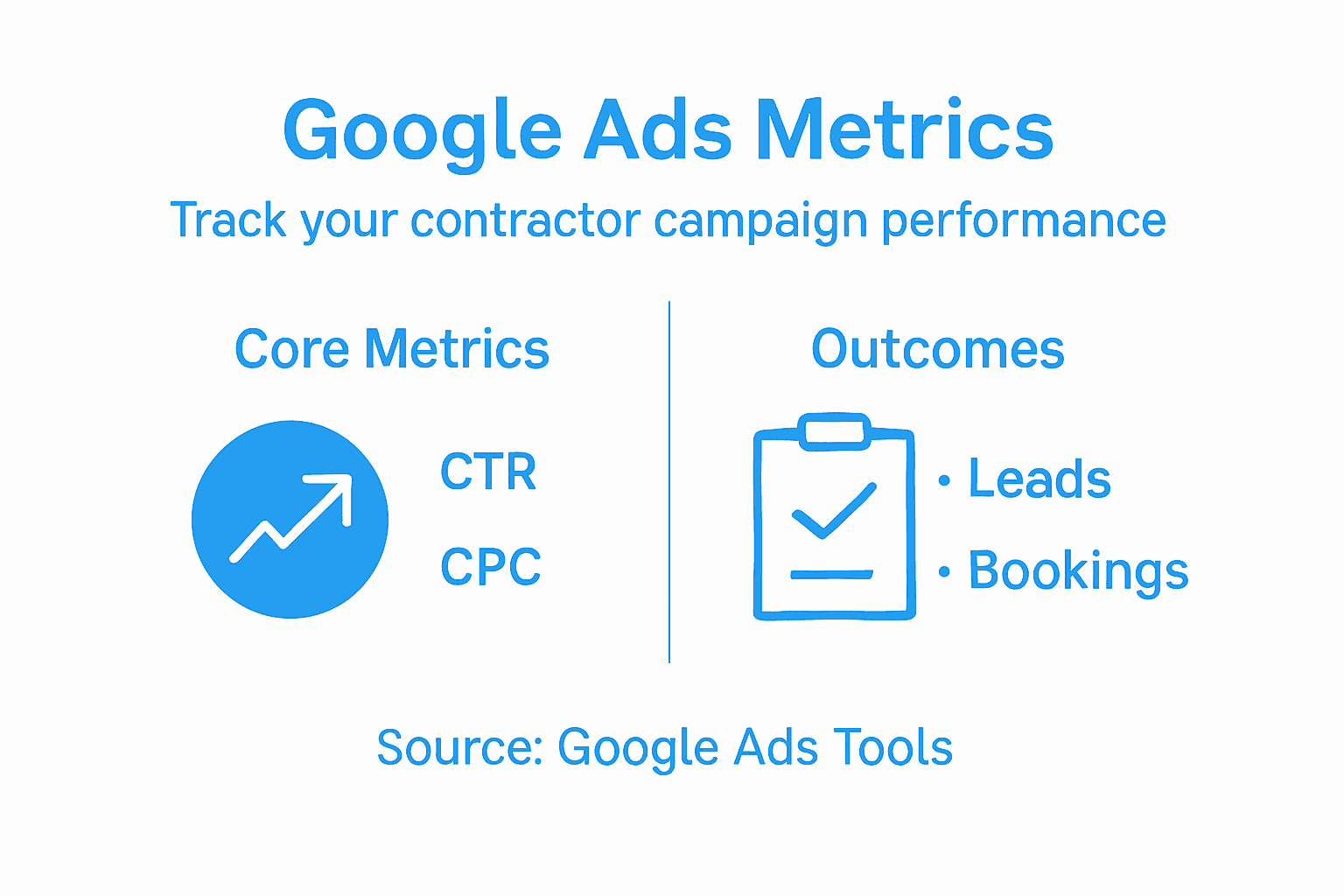
Measuring also means tracking click-through rates and conversion rates in Google Ads tools and linking them to actual business results. Set up conversion tracking so Google knows when a click actually turns into a phone call or form submission. Without conversion tracking, you’re flying blind. Every two weeks, review your metrics. Look for patterns. Which keywords generate the most leads? Which geographic zones perform best? Which times of day produce the most calls? Build on what works and cut what doesn’t. Most contractors find they can increase profitability 20 to 40 percent just by optimizing existing spend rather than increasing budget. That’s the power of measurement. The goal isn’t to spend less. The goal is to spend smarter.
This table summarizes essential Google Ads performance metrics to track for contracting businesses:
| Metric | What It Measures | Business Impact |
|---|---|---|
| Click-Through Rate (CTR) | Ad engagement rate | Reveals ad relevance |
| Cost-per-Click (CPC) | Cost for each click | Impacts overall advertising cost |
| Conversion Rate | Clicks turning into leads | Indicates ad and landing page effectiveness |
| Cost-per-Lead (CPL) | Spending per actual lead | Directly affects profitability |
| Quality Score | Google’s ad quality rating | Determines cost and ad positioning |
Pro tip: Set up a simple spreadsheet tracking your monthly spend, total leads generated, and jobs booked from Google Ads so after 3 months you have clear cost-per-job data to decide whether to increase, maintain, or restructure your budget.
Common Pitfalls and Proven Best Practices
Every contractor makes mistakes with Google Ads. The difference between those who succeed and those who waste money comes down to learning from common pitfalls quickly. The most expensive mistake is launching a campaign without a clear target audience. You set up ads, pick some keywords that seem relevant, and hope for the best. Then clicks come in from people you can’t actually serve. Maybe you’re a plumber in Denver but your geographic radius catches people in Boulder, two hours away. Maybe you target “plumbing” as a keyword and get clicks from people looking for plumbing supply stores, not local repair services. Maybe you’re an electrician and your ads show to commercial facilities managers when you only do residential work. Wasted clicks add up fast. This is why defining your exact target before spending a dollar matters more than almost anything else. Who are you trying to reach? Where are they located? What problem are they solving right now? Answer those questions with precision before launch.
Negative keywords prevent money from leaking away on irrelevant clicks. Common marketing mistakes include not filtering out traffic that doesn’t convert. If you’re a high-end kitchen remodeler and you get flooded with clicks from people searching “cheap kitchen cabinets,” negative keywords save you. Add “cheap” and “budget” to your negative keyword list so your ads never show for those searches. A roofing contractor might add “suppliers,” “jobs,” and “training” as negatives to avoid clicks from people looking to buy roofing materials, find roofing jobs, or learn roofing. Another pitfall is ignoring mobile optimization. Most people search for local services on their phones. If your ad looks great on desktop but your landing page is hard to navigate on mobile, or worse, isn’t mobile-friendly at all, people click and immediately leave. Your bounce rate skyrockets and your Quality Score drops, making ads more expensive. Always test your ads and landing pages on a phone before launching.
On the best practices side, the fundamentals matter most. Start with keyword research. Use Google’s keyword planner to find what local customers actually search for. Don’t guess. A plumber might think people search “pipe leak,” but they actually search “water leak in wall” or “how to stop water leak.” Better keywords mean better leads. Write ad copy that speaks to a specific problem. Instead of “We do plumbing,” write “Same-day emergency water leak repair. Available 24/7.” The specificity attracts people with actual problems and repels window shoppers. Use location extensions and call extensions so people can contact you directly without visiting your website. Respect user experience by following Google’s advertising policies and avoiding misleading claims. Ads that promise things you can’t deliver might get clicks short-term, but they tank your Quality Score and get reported by angry customers. Transparency builds trust and reduces wasted spend on poor-quality leads.
Continuous optimization separates winning campaigns from money pits. Most contractors set up a campaign and leave it alone for months. Bad idea. Review your data weekly. Which keywords drive actual jobs? Which produce only tire kickers? Which geographic zones convert best? Which times of day bring the most calls? Double down on what works. Cut or reduce what doesn’t. This isn’t set it and forget it. It’s set it, measure it, optimize it, and repeat. After three months, you should know your true cost per job and understand exactly which keywords, audiences, and geographic areas generate your best leads. That knowledge lets you scale profitably. You’re not guessing anymore. You’re operating from data. That’s the difference between contractors who build thriving Google Ads campaigns and contractors who fund Google’s ad network without seeing real return.
Pro tip: Write down your three biggest concerns about Google Ads before launching, then set calendar reminders to review those specific metrics weekly so you catch problems early before wasting significant budget.
Accelerate Your Local Leads with Expert Google Ads Management
The challenge of turning targeted Google Ads clicks into real service calls is real for many contractors. You know that high-intent keywords, precise geographic targeting, and optimized ad formats are crucial yet complex to manage alone. The pain of wasted ad spend on irrelevant clicks or poor mobile experiences can stall your growth. If you want to stop guessing and start generating quality leads that convert into booked jobs, partnering with a marketing team who truly understands trades like yours makes all the difference.
At Results Digital, we specialize in driving measurable results for local service businesses through expert Google Ads campaigns tailored to your industry and location. Our veteran-owned agency combines proven strategies for search ads, call-only ads, and display advertising alongside professional website design and local SEO. We eliminate conflict of interest by working exclusively with one client per trade per market so your growth accelerates without competition. Don’t wait months to see new leads — benefit from our focused approach that generates consistent calls and booked jobs week after week. Ready to dominate your local market? Visit Results Digital today to learn how to transform clicks into customers and maximize your advertising budget with transparent reporting and dedicated support.
Frequently Asked Questions
How does Google Ads generate local leads for trades?
Google Ads generates local leads by displaying your ads to users searching specific keywords in your geographic service area. When someone types a relevant query, your ad appears at the top of their search results if you have configured your campaign correctly.
What are the best types of Google Ads for contractors?
The best types of Google Ads for contractors include Search Ads for immediate leads, Display Ads for brand awareness, Call-Only Ads for direct phone leads, and Video Ads for showcasing expertise. A balanced approach combines multiple ad types tailored to your business goals.
How can I measure the performance of my Google Ads campaigns?
You can measure performance by tracking key metrics like Click-Through Rate (CTR), Cost-per-Click (CPC), Conversion Rate, Cost-per-Lead (CPL), and Quality Score. Regular measurement helps to optimize ad spend and improve lead quality.
What common mistakes should I avoid with Google Ads for my trade services?
Common mistakes include not defining a clear target audience, failing to use negative keywords to filter out irrelevant clicks, and neglecting mobile optimization. Additionally, not continuously optimizing campaigns based on performance data can lead to wasted ad spend.