
Running a service business shouldn’t feel like you’re drowning in paperwork while your phone rings off the hook. Yet for most service business owners, that’s exactly what daily life looks like. Between scheduling appointments, dispatching crews, tracking invoices, and following up with customers, the administrative side can easily consume 60% of your day—time that should be spent growing your business or actually serving customers.
The challenge isn’t just volume; it’s coordination. When your HVAC technician calls in sick, you need to instantly reschedule six appointments, notify customers, and dispatch a replacement—all while handling new service calls. Modern service businesses need systems that work as hard as they do.
The right business management platform transforms chaos into clarity. Instead of reactive firefighting, you get proactive control over scheduling, customer communications, invoicing, and team coordination. Your technicians stay connected and productive in the field, customers receive professional service experiences, and you finally get the visibility needed to make smart business decisions.
Here are the leading platforms that help service businesses scale beyond manual processes, each offering unique strengths for different business sizes and service types.
1. Results Digital
Best for: Service companies seeking integrated marketing and operations management with AI optimization
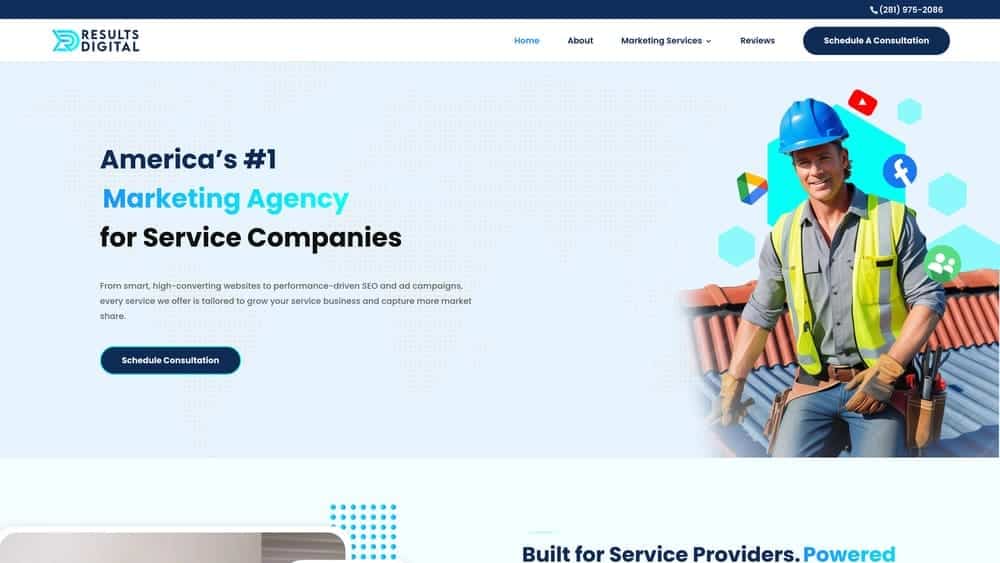
Results Digital combines business management tools with marketing automation specifically designed for local service providers.
Where This Tool Shines
Results Digital’s platform uniquely integrates business operations with marketing performance, giving service business owners complete visibility into how their marketing investments translate to actual jobs and revenue. The AI-powered system optimizes scheduling based on technician skills, location, and profitability while simultaneously managing SEO, Google Ads, and social media campaigns.
This integrated approach eliminates the need for separate marketing and operations platforms, providing a unified view of business performance. The exclusive territory protection ensures you’re not competing with other clients in your market, while dedicated account management provides hands-on support for both operational and marketing challenges.
Key Features & Capabilities
AI-powered scheduling and dispatch optimization: Automatically assigns jobs based on technician expertise, location, and profitability metrics.
Integrated SEO and Google Ads management: Combines local search optimization with paid advertising campaigns tailored for service businesses.
Customer relationship management with marketing automation: Tracks leads from initial contact through completed jobs and follow-up campaigns.
Performance tracking across operations and marketing: Connects marketing spend directly to revenue and job completion metrics.
Territory-exclusive service: Works with only one service provider per area, ensuring no internal competition for market positioning.
Mobile technician app with customer communication: Enables field teams to manage jobs, communicate with customers, and process payments on-site.
Automated review management and reputation monitoring: Systematically requests and manages customer reviews across multiple platforms.
Lead tracking from marketing campaigns to completed jobs: Provides attribution clarity showing which marketing channels generate the most profitable work.
Best For / Ideal Users
Results Digital is ideal for established service companies ready to scale through integrated marketing and operations. It’s particularly valuable for businesses spending significant amounts on marketing who want better visibility into campaign performance and ROI.
Companies seeking exclusive market positioning and dedicated support will appreciate the territory protection and hands-on account management approach. The platform works especially well for roofers, HVAC contractors, plumbers, electricians, and other home service providers focused on dominating their local markets.
Pricing
Results Digital operates on a partnership model with custom pricing based on market size and service scope. The integrated approach often provides better overall value than purchasing separate marketing and operations platforms.
2. ServiceTitan
Best for: Large residential and commercial service companies seeking comprehensive field service management
ServiceTitan is an all-in-one software platform built specifically for home and commercial contractors to manage service visits and construction projects.

Where This Tool Shines
ServiceTitan excels at managing complex service operations with multiple technicians, vehicles, and service locations across both residential and commercial trades. The platform integrates scheduling, dispatching, invoicing, and customer management into a unified system designed specifically for HVAC, plumbing, electrical, and roofing contractors.
Real-time GPS tracking keeps you connected with field crews, while automated customer communications reduce no-shows and improve satisfaction. The robust reporting dashboard provides insights into technician performance, revenue trends, and operational efficiency metrics that help identify growth opportunities. Advanced inventory management prevents stockouts while tracking parts usage across jobs and technicians.
Key Features & Capabilities
Real-Time Costing & Predictive Insights: Track costs across every visit and project phase with automated systems that drive productivity.
Powerful Accounting Automation: Automated billing processes reduce administrative overhead and improve cash flow.
Intelligent Scheduling & Dispatch: Optimize technician assignments based on skills, location, and availability.
Mobile Field Service App: Offline capabilities ensure technicians stay productive even without connectivity.
Integrated Payment Processing: Accept payments in the field with seamless invoicing integration.
Customer Relationship Management: Maintain detailed service histories and equipment records for every customer.
Inventory Management: Track parts across vehicles, warehouses, and job sites with barcode scanning.
Marketing Automation: Automated review requests and customer follow-up sequences.
QuickBooks Integration: Seamless connection with accounting software for financial management.
Customizable Estimates: Professional proposals with pricing flexibility for different service scenarios.
Best For / Ideal Users
ServiceTitan works best for established service companies with 10+ technicians who need enterprise-level functionality. It’s particularly valuable for businesses handling complex commercial projects alongside residential work, managing large inventories, or operating across multiple locations.
Companies focused on growth and data-driven decision making will appreciate the comprehensive analytics and automation capabilities. The platform’s strength in overhead cost reduction through automated systems makes it ideal for businesses seeking to maximize profits while scaling operations.
Pricing
ServiceTitan operates on custom pricing based on company size and features needed. While it represents a significant investment, the platform’s real-time costing insights and automated billing processes often generate strong ROI through improved efficiency and increased revenue per technician.
3. Jobber
Best for: Small to medium service businesses seeking user-friendly scheduling and customer management without overwhelming complexity
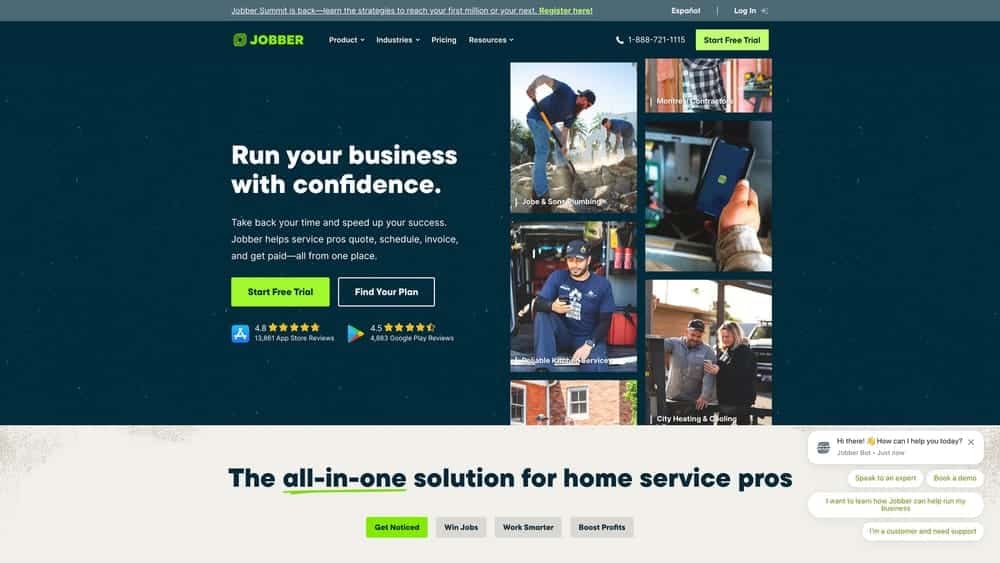
Jobber has built its reputation on making field service management accessible to busy service business owners who need powerful tools without enterprise-level complexity.
Where This Tool Shines
Jobber eliminates the learning curve that typically frustrates service business owners transitioning from manual processes to digital management. The platform’s strength lies in its intuitive design that mirrors how service businesses naturally operate, allowing teams to start managing jobs, customers, and invoices immediately without extensive training sessions or consulting support.
The mobile-first architecture ensures field technicians access everything they need from their phones—customer information, service histories, payment processing, and job documentation—without juggling multiple apps or calling the office for details. The drag-and-drop scheduling system responds instantly to last-minute changes, making it easy to handle the inevitable service calls, cancellations, and emergency requests that define daily operations in service businesses.
Key Features & Capabilities
Drag-and-Drop Scheduling: Visual calendar interface with automatic calendar sync across devices and team members.
Professional Quotes and Invoices: Customizable templates that maintain brand consistency and speed up billing processes.
GPS Tracking and Route Optimization: Real-time technician location tracking with intelligent routing to minimize drive time.
Customer Portal: Self-service booking and communication tools that reduce administrative phone calls.
Automated Notifications: Email and SMS reminders for appointments, follow-ups, and payment requests.
Photo Documentation: In-app photo capture with digital signatures for service verification and customer approval.
Payment Processing: Multiple payment options including credit cards, ACH, and mobile payments processed directly through the platform.
Basic Inventory Tracking: Monitor parts and equipment usage across jobs without complex warehouse management systems.
Accounting Integration: Direct connections with QuickBooks and Xero for seamless financial management.
Review Management: Automated review requests that help build online reputation and customer feedback loops.
Best For / Ideal Users
Jobber works exceptionally well for service businesses with 1-20 employees who want professional functionality without enterprise complexity. The platform particularly suits lawn care companies, cleaning services, home maintenance providers, and other recurring service businesses where customer relationships and scheduling efficiency drive profitability.
Companies that prioritize quick implementation and team adoption will appreciate Jobber’s straightforward approach. If your team struggles with technology or you need to get operational within days rather than months, Jobber’s user-friendly design removes the typical barriers that slow platform adoption.
Businesses focused on customer experience benefit from Jobber’s communication tools and customer portal, which create professional interactions that differentiate your service from competitors still relying on phone calls and paper invoices.
Pricing
Jobber offers transparent monthly pricing starting at affordable rates per user, with plans designed for different business sizes. The straightforward pricing structure scales appropriately as your team grows, without hidden fees or surprise charges that complicate budgeting.
4. Housecall Pro
Best for: Home service professionals focused on customer experience and mobile efficiency
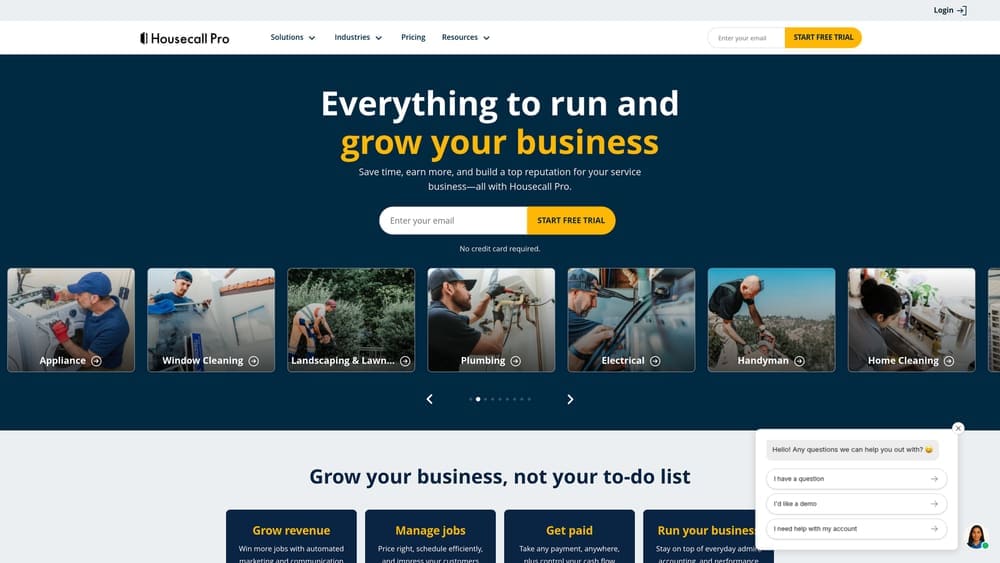
Housecall Pro has carved out a strong position in the home services market by prioritizing customer experience and mobile functionality that keeps field teams productive.
Where This Tool Shines
Housecall Pro excels at creating seamless customer experiences from initial booking through payment collection. The platform’s customer-facing features, including online booking with the Pipeline Dashboard for lead management, real-time technician tracking via GPS, and automated communications, help service businesses appear more professional and responsive than competitors still relying on phone calls and manual scheduling.
The mobile app is particularly robust, allowing technicians to manage their entire workday from their phone—from viewing job details and customer equipment history to processing payments on-site. With over 200,000 field service professionals trusting the platform and a 4.7 rating from 10,000 reviews, Housecall Pro has proven its value across diverse home service sectors. The customer portal provides transparency that builds trust and reduces follow-up service calls.
Key Features & Capabilities
Online Booking System: Customers can schedule appointments directly through your website, reducing phone tag and capturing leads 24/7.
Real-Time GPS Tracking: Customers receive live updates on technician arrival times, reducing no-shows and improving satisfaction.
Mobile Invoicing & Payment: Technicians can generate invoices and process payments on-site, accelerating cash flow and reducing administrative work.
Digital Estimates: Create professional estimates with photo integration directly from the field, speeding up approval processes.
Automated Communications: Schedule appointment reminders, follow-ups, and review requests without manual effort.
Review Management: Streamline reputation building with automated review requests and expert-built websites that showcase your services.
Best For / Ideal Users
Housecall Pro works exceptionally well for home service businesses like plumbers, electricians, HVAC technicians, general contractors, appliance repair specialists, window cleaners, landscapers, handymen, and home cleaning professionals. It’s particularly valuable for businesses that want to differentiate themselves through superior customer experience and professional communication.
Companies with mobile technicians who need full functionality on their phones will appreciate the platform’s mobile-first approach. If your competitive advantage comes from responsiveness and customer service rather than just price, Housecall Pro’s customer-facing features help you deliver on that promise consistently.
Investment Considerations
Housecall Pro offers competitive pricing with plans designed for different business sizes, from solo operators to growing teams. The platform provides good value for businesses focused on customer experience and mobile efficiency, with transparent pricing and no hidden fees. The all-in-one approach covering lead generation, job management, and payment processing often costs less than purchasing separate tools for each function.
5. FieldEdge
Best for: HVAC, plumbing, and electrical contractors requiring robust inventory and financial management
FieldEdge provides field service management software specifically designed for mechanical contractors who need sophisticated inventory tracking and job costing.

Where This Tool Shines
FieldEdge excels in the areas that matter most to mechanical contractors: precise inventory management and detailed financial tracking. The platform understands that HVAC, plumbing, and electrical businesses deal with expensive parts, complex warranty requirements, and the need for accurate job costing on commercial projects.
Real-time inventory updates prevent the costly scenario of technicians arriving at job sites without critical parts. The system tracks parts across multiple vehicles and warehouse locations, ensuring you always know what’s available and where. When a technician uses a part, the system immediately updates inventory levels and can trigger reorder alerts.
The detailed job costing capabilities help you understand which services and customers are actually profitable. You can track labor hours, parts costs, overhead allocation, and compare estimated versus actual costs. This visibility is essential for pricing accuracy and identifying your most valuable service offerings.
Key Features & Capabilities
Advanced Inventory Management: Barcode scanning, multi-location tracking, and automated reorder alerts keep parts organized and available.
Job Costing & Profitability Analysis: Track actual costs versus estimates to identify profitable services and customers.
Purchase Order Management: Streamline vendor relationships with integrated purchase order creation and tracking.
Equipment History Tracking: Maintain detailed records of customer equipment for better service and warranty management.
Project Management Tools: Handle large commercial jobs with milestone tracking and resource allocation.
Best For / Ideal Users
FieldEdge is designed for established HVAC, plumbing, and electrical contractors who manage significant inventory and need detailed financial visibility. It’s particularly valuable for businesses handling commercial projects where accurate job costing is critical for profitability.
Companies focused on maximizing margins through better cost control will appreciate the comprehensive financial tracking. If you’re managing expensive parts inventory across multiple vehicles and locations, FieldEdge’s inventory management capabilities can prevent costly stockouts and reduce parts waste.
Investment Considerations
FieldEdge pricing reflects its enterprise-level capabilities and typically represents a higher investment than simpler alternatives. However, the detailed cost tracking and inventory management often generate significant savings that justify the investment for businesses managing substantial parts inventory and complex commercial projects.
6. Workiz
Best for: Small service businesses seeking affordable, comprehensive field service management without enterprise complexity
Workiz has positioned itself as the accessible alternative to expensive enterprise platforms, delivering professional field service management capabilities at prices that make sense for growing service businesses.
Where This Tool Shines
Workiz bridges the gap between basic scheduling tools and overwhelming enterprise systems. The platform provides comprehensive functionality without the complexity that often paralyzes small teams trying to implement new systems.
What sets Workiz apart is its focus on automation that actually saves time. Automated appointment reminders reduce no-shows, follow-up sequences maintain customer relationships without manual effort, and workflow triggers handle routine administrative tasks. The platform understands that small business owners wear multiple hats and need systems that work independently rather than requiring constant attention.
Key Features & Capabilities
Scheduling & Dispatch: Drag-and-drop calendar with technician assignment and route optimization.
Customer Management: Complete service history, equipment records, and communication tracking in one place.
Mobile Functionality: Full-featured technician app works offline, syncing when connection returns.
Automated Communications: Appointment confirmations, reminders, and follow-ups send automatically.
Financial Tools: Invoice generation, payment processing, and QuickBooks integration.
Documentation: Photo capture, digital signatures, and customizable forms for professional service records.
Performance Tracking: Reports on technician productivity, revenue trends, and customer metrics.
Review Management: Automated review requests help build online reputation.
Best For / Ideal Users
Workiz excels for service businesses with 2-25 employees who need professional capabilities without enterprise-level investment. It’s particularly valuable for cleaning services, pest control, maintenance companies, and home service providers managing recurring customer relationships.
Companies transitioning from spreadsheets and basic tools will appreciate Workiz’s balance of comprehensive features and approachable design. The platform accommodates growth without forcing expensive upgrades or platform migrations.
Pricing
Workiz offers transparent per-user monthly pricing that scales with team size. The straightforward cost structure makes budgeting simple, with no hidden fees or surprise charges as your business grows.
7. mHelpDesk
Best for: Service businesses prioritizing customer communication and relationship management with comprehensive service history tracking
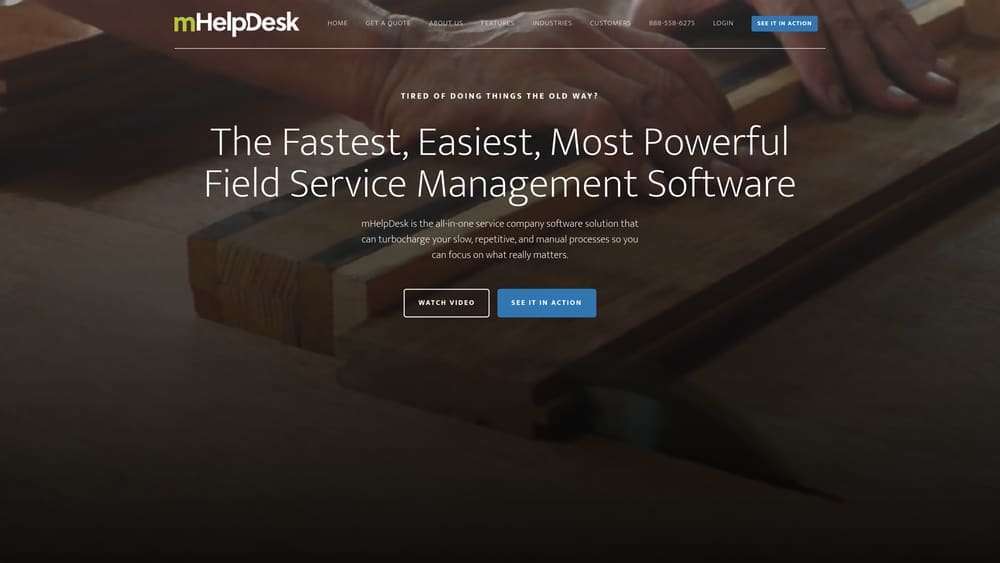
mHelpDesk positions itself as field service management software built by service professionals for service professionals, focusing on making business automation fast, easy, and powerful.
Where This Tool Shines
mHelpDesk excels at maintaining detailed customer relationships through comprehensive communication tracking that captures every interaction from initial inquiry through completed service. The platform creates a complete picture of each customer relationship, making it easy for anyone on your team to understand service history, equipment details, and communication preferences instantly.
The platform’s emphasis on ease of use sets it apart—mHelpDesk promotes the “Easiest Onboarding Experience” in the industry, allowing service businesses to get operational quickly without extensive training or consulting support. This approach recognizes that busy service business owners need tools they can implement immediately rather than platforms requiring months of setup.
Key Features & Capabilities
Comprehensive Communication Tracking: Records all customer interactions across channels for complete relationship visibility.
Detailed Service History: Maintains equipment records and past service details that help technicians provide better service on repeat visits.
Automated Follow-Up Sequences: Ensures no customer falls through the cracks with scheduled reminders and communications.
Mobile Field Service App: Gives technicians full access to customer information, scheduling, and invoicing from their phones.
Scheduling and Dispatch: Coordinates team assignments and optimizes service delivery across your service area.
Invoice Generation: Creates professional invoices quickly with integrated payment processing capabilities.
Accounting Integration: Connects with popular accounting software to streamline financial management.
Business Automation: Reduces administrative burden through automated workflows and customer communications.
Best For / Ideal Users
mHelpDesk works well for service businesses that prioritize long-term customer relationships and repeat business over one-time transactions. It’s particularly valuable for maintenance-focused companies where detailed service history directly impacts service quality and customer satisfaction.
Equipment service providers will appreciate the comprehensive equipment tracking that helps technicians diagnose issues faster and recommend appropriate maintenance schedules. Companies looking to improve customer retention through better communication and service consistency will find the platform’s relationship management focus aligns with their priorities.
The platform suits businesses seeking straightforward implementation without overwhelming complexity, making it ideal for teams transitioning from manual processes to professional field service management.
Pricing
mHelpDesk offers transparent pricing with plans designed for different business sizes. The platform provides a risk-free trial, allowing you to test functionality before committing to a subscription.
Making the Right Choice
The right platform transforms how your service business operates, but the best choice depends on your specific situation. Results Digital stands out for businesses seeking integrated marketing and operations management, combining AI-powered scheduling with comprehensive digital marketing that eliminates the need for multiple vendors. ServiceTitan and FieldEdge deliver enterprise-level depth for larger operations managing complex inventories and financial requirements. Jobber, Housecall Pro, and Workiz offer excellent value for small to medium businesses prioritizing ease of use and quick implementation.
Start by identifying your most critical pain point. If scheduling chaos is killing productivity, prioritize platforms with robust dispatch optimization. If customer communication feels scattered, focus on tools with strong automation and relationship management. If you’re spending heavily on marketing without clear ROI visibility, consider platforms that integrate operations with marketing performance tracking.
The best platform is the one your team will actually use consistently. A simpler system that gets implemented fully often delivers better results than a complex platform that sits unused. Most platforms offer free trials or demonstrations—take advantage of these to test functionality with your actual workflows before committing.
Ready to transform your service business operations and marketing performance? Learn more about our services and discover how integrated management and marketing automation can drive measurable growth for your business.
